MEMS ပစၥည္းေတြကို ဒီဇိုင္းေရးဆြဲရာမွာ အသံုးျပဳတဲ့ ANSYS Software ကို ကီးမလိုပဲ Crack ျခင္း အပိုင္း ကို ေျပာျပခ်င္ပါတယ္။
ဒါကေတာ့ ANSYS Software ကိုေဒါင္းၿပီးလွ်င္ ရရွိလာမယ့္ ဖိုင္ေတြျဖစ္ပါတယ္။
အဆင့္ (၁) ။ Folder ထဲမွ setup.exe ဖိုင္အားကလစ္ပါ။

အဆင့္ (၂) ။ Next.

အဆင့္ (၃) ။ I AGREE အားေရြးခ်ယ္ပီးလွ်င္ Next ေပးပါ။

အဆင့္ (၄) ။ Next.

အဆင့္ (၅) ။ Next.

အဆင့္ (၆) ။ Next .

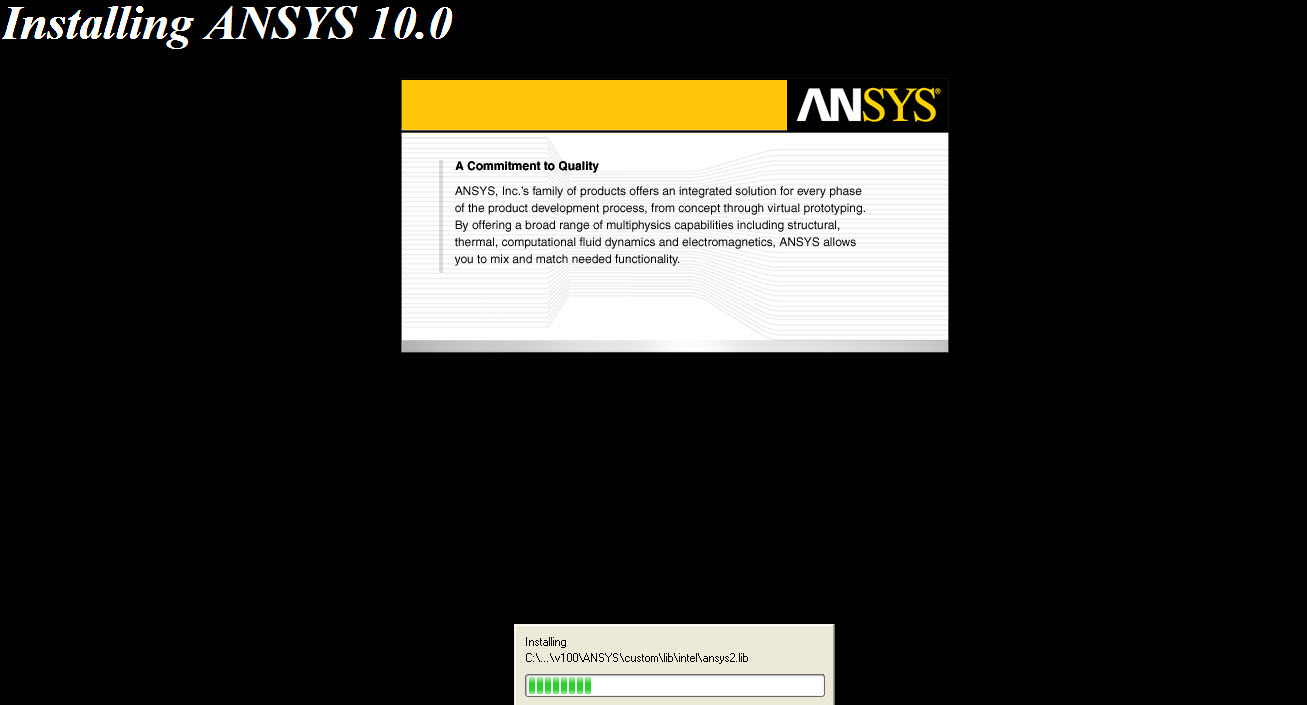
အဆင့္ (၇) ။ Installation.

အဆင့္ (၈) ။ OK.

အဆင့္ (၉) ။ Next.

အဆင့္ (၁၀) ။ Yes.

အဆင့္ (၁၁) ။ Yes.

အဆင့္ (၁၂) ။ Installation.

အဆင့္ (၁၃) ။ Browse for an existing license file အားေရြးခ်ယ္၍ Next ေပးပါ။

အဆင့္ (၁၃) ပီးသြားလွ်င္ Software ေဒါင္းထားတဲ့ Floder ထဲမွ MAGNiTUDE ထဲကိုဖြင့္ပါ။
အဲဒါၿပီးလွ်င္ ဖိုင္နာမည္ေျပာင္းတာေလး ရွိပါတယ္။ အဲဒီေနရာအတြက္ ကၽြန္ေတာ္ ဗီြဒီယိုဖိုင္တင္ပီးေတာ့ ေျပာျပပါ့မယ္။
အဆင့္ (၁၄) ။ Click Finich.

အဆင့္ (၁၅) ။ Click Finish.

အဆင့္ (၁၆) ။ Start—All Programs-- ANSYS FLEXlm License Manager-- ANSLIC_ADMIN Utility.


Click close.

-Click -- Specify the License Server.

Click - Add Server Specification. Type Hostname 1 – Your computer name. Click ok.

Click – Run the Licenses Wizard. Click cancel.
Click Refresh Button.
Click -- Reread the License File---ok …
Click --Start the license Manager ..
Click -- Reread the License File--- lmreread successful.
ကၽြန္ေတာ္ ယခုပို႔စ္အား ဗီြဒီယိုဖိုင္ျဖင့္ တင္ေပးပါမည္။
ဒီေန႔ ေအာင္ျမင္စြာၿပီးဆံုးသြားေသာ ..САУиК (систем автоматического управления и контроля) ႏွင့္ МЭ (микроэлектроники) ဌာနမွ ညီေလးမ်ားအတြက္ အမွတ္တရ ..
အားလံုးအတတ္ပညာကိုယ္စီတတ္ေျမာက္၍ ေလာကကိုအက်ိဳးျပဳႏုိင္ေသာ လူသားမ်ားျဖစ္ၾကပါေစ ..
Good Luck All My Dear Brothers !

 အားလံုးအဆင္ေျပၾကပါေစ ..။